
Download Atlantis Word Processor Lite – word processor, lightweight, fast, free, document editing, text editor, Android app
Overview
Atlantis Word Processor Lite is a streamlined, free mobile application designed for users who require a fast and efficient word processing experience on Android devices. Built as a lightweight alternative to full-featured desktop word processors, it addresses the need for a responsive tool that operates smoothly even on older or low-resource devices. The app is particularly beneficial for students, writers, and professionals who frequently draft, edit, and share documents but do not need the complexity of heavier software. Its core purpose is to deliver essential document creation and editing capabilities without compromising performance.
Target users include individuals working on smartphones or budget tablets with limited processing power or storage. The app’s minimal memory footprint ensures that it runs consistently without slowing down the device, making it ideal for on-the-go writing, note-taking, and quick edits. Real-world use cases range from drafting academic papers and work reports to managing personal journals and collaborative documents. In the broader app ecosystem, Atlantis Word Processor Lite fills a niche for users seeking a no-frills, reliable tool that prioritizes speed and simplicity over advanced formatting options.
Developed by Atlantis Word Processor, the app reflects a focus on efficiency and accessibility. Although the developer did not provide additional technical details about their background or broader product line, the app’s design philosophy emphasizes usability and performance. Its release in July 2025 underscores a continued effort to support users in a mobile-first environment.
Key Features & Functionality
- Lightweight and Fast Performance: Optimized for minimal system resource usage, the app ensures quick startup times and smooth operation, even on older Android devices. This is especially valuable for users with limited RAM or storage.
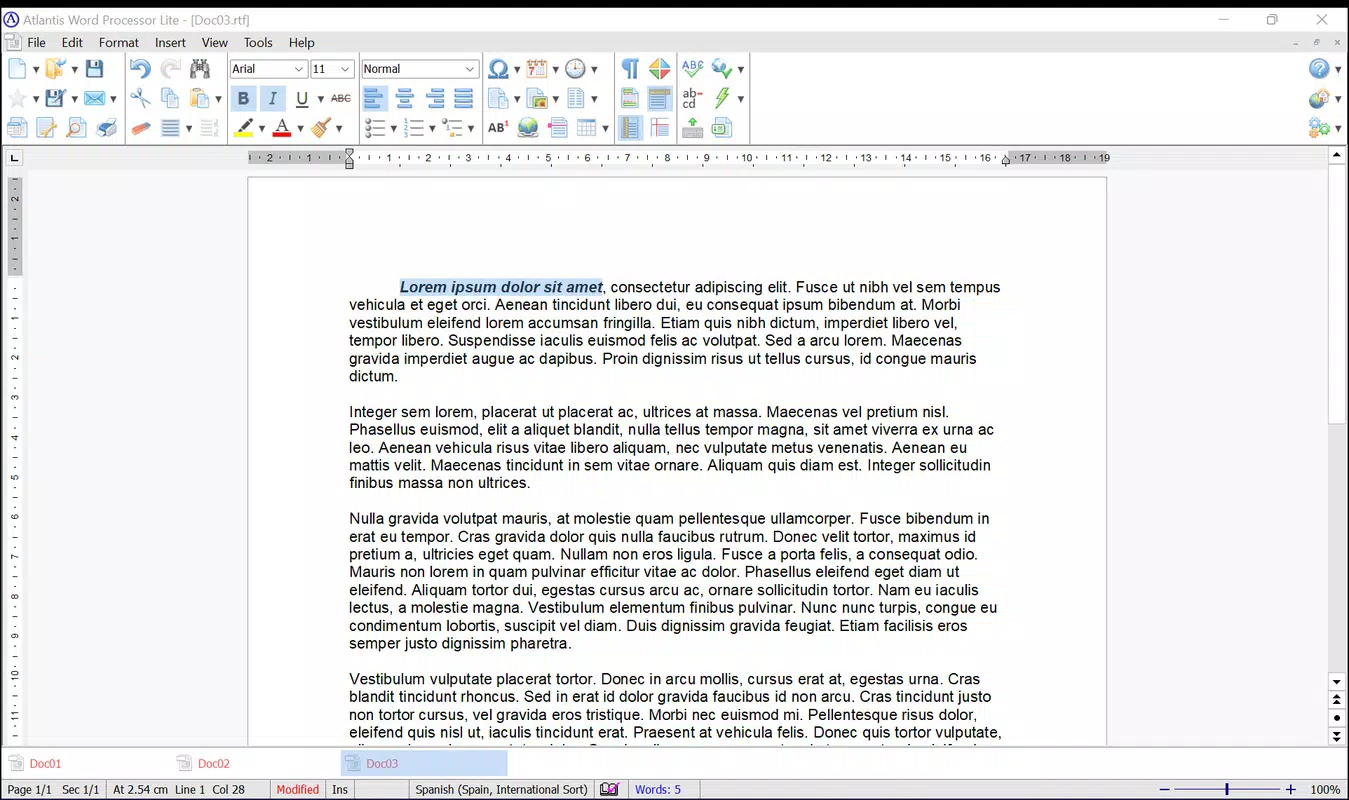
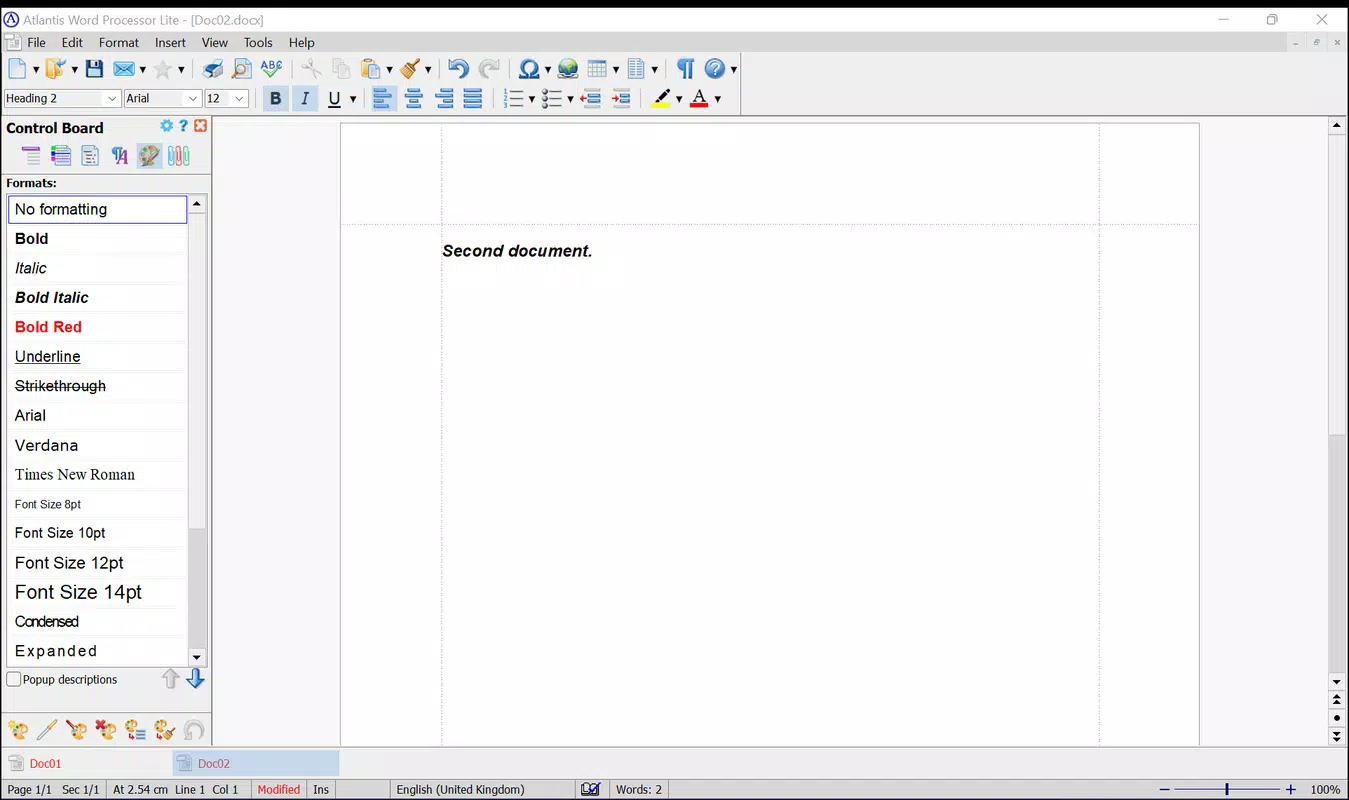
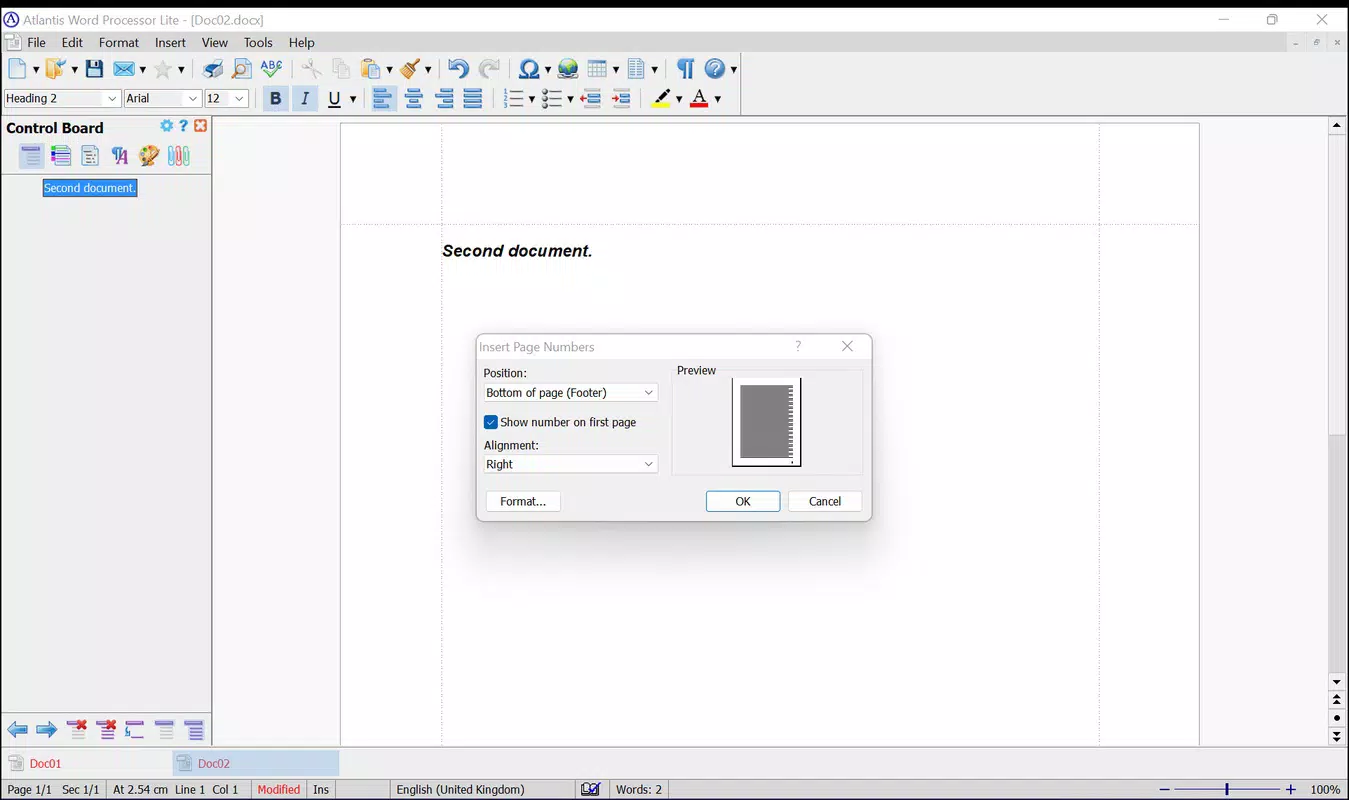
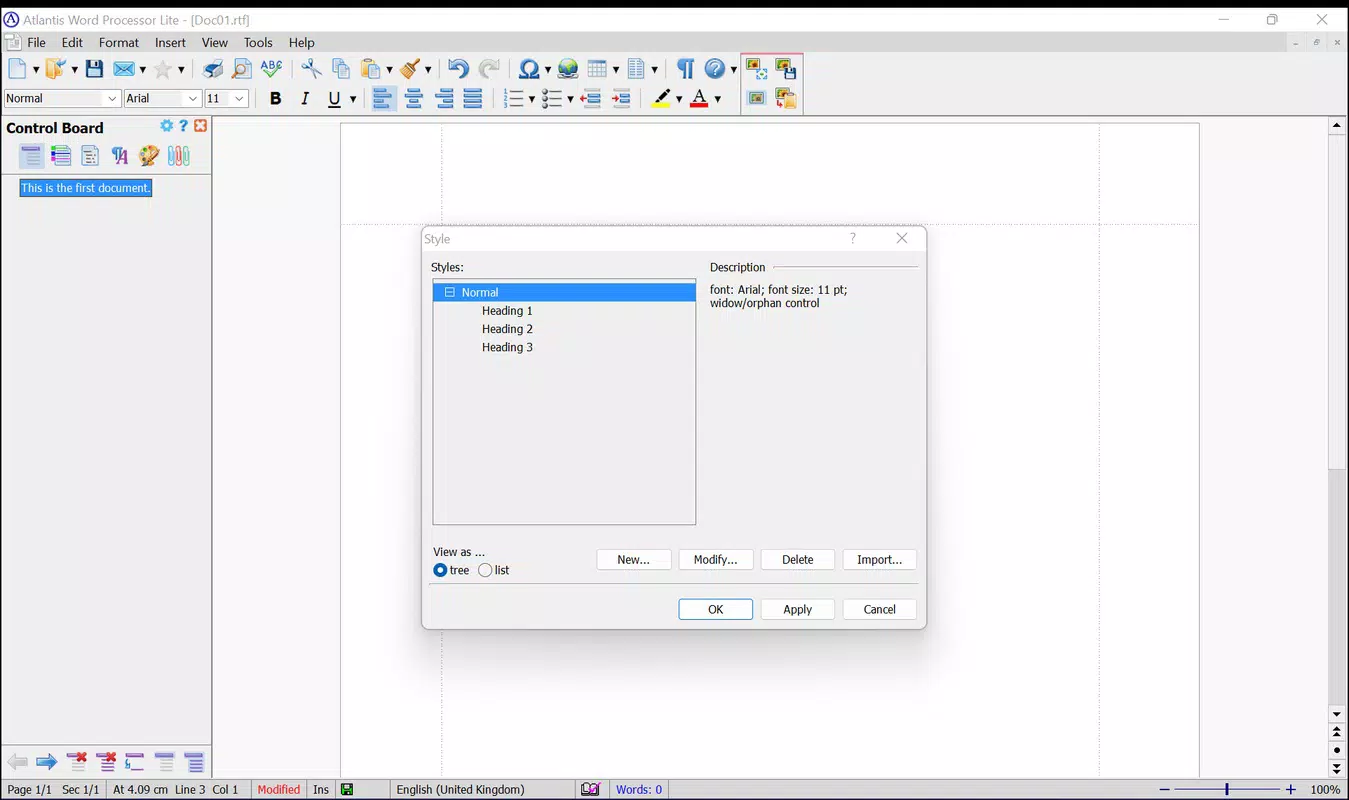
- Multi-Document Handling: Users can open and manage multiple documents within a single window, reducing desktop clutter and enabling seamless switching between projects during multitasking.
- Customizable Toolbars: The interface allows users to personalize their workspace by selecting preferred tool layouts, improving access to frequently used functions and enhancing workflow efficiency.
- Multi-Format Support: Documents can be created and edited in common formats such as plain text, RTF, and others compatible with major word processors, ensuring broad compatibility for sharing and collaboration.
- Intuitive User Interface: Designed with familiarity in mind, the layout mirrors traditional word processors like Microsoft Word, allowing users to adapt quickly without a steep learning curve.
For example, a student preparing multiple assignments can open all drafts in one interface, switch between them effortlessly, and save each in RTF format for submission. A freelance writer can customize toolbars to prioritize formatting and spell-check tools, streamlining the editing process. The app’s ability to handle various file types supports cross-platform collaboration, making it a practical choice for users who work across devices.
Interface, UX & Performance
The user interface of Atlantis Word Processor Lite is clean, minimal, and highly functional, focusing on essential tools without visual clutter. Navigation is straightforward, with clearly labeled buttons and a logical layout that supports efficient document management. The app maintains a consistent design language across screens, ensuring users can locate features intuitively.
Although the developer did not list formal performance metrics, the app’s lightweight nature suggests consistent responsiveness across a range of Android devices. Users on entry-level smartphones or older tablets should experience minimal lag during typing, scrolling, and document switching. Stability appears to be a priority, as the app is designed to operate reliably under low-resource conditions.
Responsiveness is maintained during document loading and saving, with no reported delays in basic operations. The interface adapts well to different screen sizes, offering a usable experience on both smartphones and smaller tablets. While the developer did not specify exact compatibility thresholds, the app’s design implies broad accessibility across the Android ecosystem.
Platform Compatibility & Technical Requirements
Atlantis Word Processor Lite is available exclusively on the Android platform. It is compatible with devices running Android OS, though specific minimum version requirements were not listed by the developer. The app’s file size is 24.5 MB, indicating a compact footprint suitable for users with limited storage space.
Given the app’s lightweight design, it is likely optimized for a wide range of Android devices, including those with older hardware. However, the developer did not specify exact operating system versions or hardware requirements. Users should ensure their device meets general Android standards for app installation, though no specific technical constraints were disclosed.
Pros and Cons
Pros
- Lightweight design with minimal system resource usage
- Fast startup and smooth performance on low-end devices
- Support for multiple document handling in a single window
- Customizable toolbars for personalized workflow
- Compatibility with common document formats for easy sharing
Cons
- Specific OS version requirements were not disclosed
- Limited advanced formatting options compared to full-featured processors
- Developer did not provide detailed technical specifications
- May lack integration with cloud storage or third-party services
- Customization options may be limited to toolbar layout only
FAQ
Is Atlantis Word Processor Lite free to download and use?
Yes, the app is available at no cost. There are no in-app purchases or subscription fees mentioned in the provided information.
Can I edit documents in formats other than plain text?
Yes, the app supports multiple formats, including RTF and others compatible with major word processors, enabling users to create and edit documents in widely used file types.
Is the app safe to install on Android devices?
Atlantis Word Processor Lite is distributed through official channels and does not require root access. It is designed to operate securely within standard Android permissions.
Does the app support cloud storage integration?
The developer did not provide information on cloud storage or third-party service integration. Users should verify functionality based on current app behavior.
How often is the app updated?
The app was released on July 1, 2025. Specific update frequency or release schedule was not disclosed by the developer.
Final Thoughts
Atlantis Word Processor Lite delivers a focused, efficient solution for users who value speed, simplicity, and reliability in their mobile word processing needs. Its lightweight architecture makes it a standout choice for those working on older or budget Android devices where performance is critical. The ability to manage multiple documents in one window, combined with customizable toolbars and multi-format support, enhances productivity without overwhelming the user with complexity.
While it may not offer the full suite of features found in desktop word processors, it excels in its intended purpose: providing a fast, accessible, and user-friendly tool for everyday document editing. Students, freelancers, and professionals seeking a no-nonsense writing companion will find significant value in its design and performance.
For anyone in search of a secure, free, and efficient Android app to handle text editing and document creation, Atlantis Word Processor Lite is a compelling option. Download Atlantis Word Processor Lite now.


